Quick answer: can VidMate download music?
VidMate can be used as an audio-first downloader on supported Android devices when the source and local rules allow the download. Open a legitimate source in VidMate, choose audio or MP3 if the source offers it, select quality, confirm storage, and verify the saved file. This guide explains the workflow; it does not promise that every website or platform supports downloading.
Choose audio
Use an audio option when you only need the song and want to save space.
Check quality
Higher bitrate can sound better, but it also creates larger files.
Find the file
Confirm the destination and test playback before deleting the source link.
What VidMate music download means
The phrase VidMate music download usually describes saving the audio track from a supported video or media source for offline listening. It is different from downloading the VidMate APK itself and different from installing an unverified music app. The useful question is which source, format, and permission apply to the file you want to keep.
VidMate may show different output choices depending on the source. Some pages offer an audio-only option such as MP3, while others may expose only video formats. If an audio option is not shown, do not install a modified APK or use a suspicious converter just to force it. Choose a supported source or keep the original video instead.
Only download material you have permission to save, such as your own uploads, public-domain recordings, or content whose license allows offline copies. Platform terms and local copyright rules can restrict downloading even when a technical option is visible.
How to download music with VidMate
The safest workflow is deliberately short. Start from a source you recognize, review the title and creator, select an audio format if it is available, and confirm the result after the download finishes. Avoid pages that redirect you through unrelated installers or ask you to disable Android security protections.
Before starting, make sure your phone has enough free storage and that VidMate has only the permissions it needs for the selected destination. If the app is not already installed, use the current VidMate APK page and verify the package and version information before opening the installer.
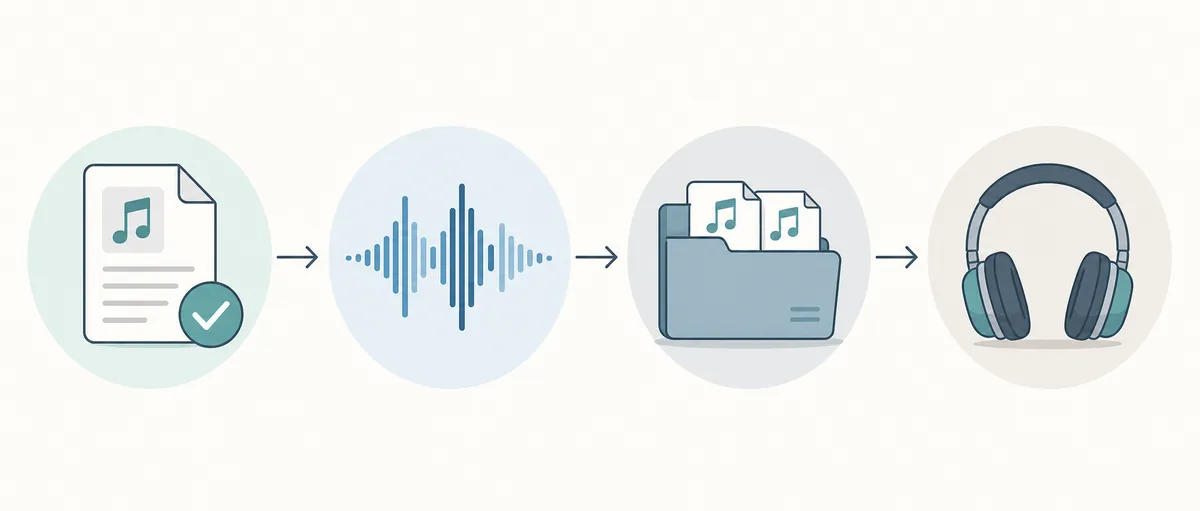
Open a permitted source
Paste or open the source page in VidMate and confirm that the title, creator, and media are the ones you intended to save.
Select audio output
Choose MP3 or another audio-only option when the source provides it. If no audio option appears, do not force an unsupported conversion.
Pick quality and storage
Select a quality that fits your listening needs, then check the destination folder and available storage before confirming.
Verify the finished file
Open the saved track, check its name and duration, and move it into a music folder or playlist if playback is correct.
Choose MP3 quality without wasting storage
For casual listening, a medium audio setting is often a practical balance between file size and clarity. A higher setting can be useful for music with dense instruments, but it cannot restore detail that was missing from the original source. A larger file is not automatically a better recording.
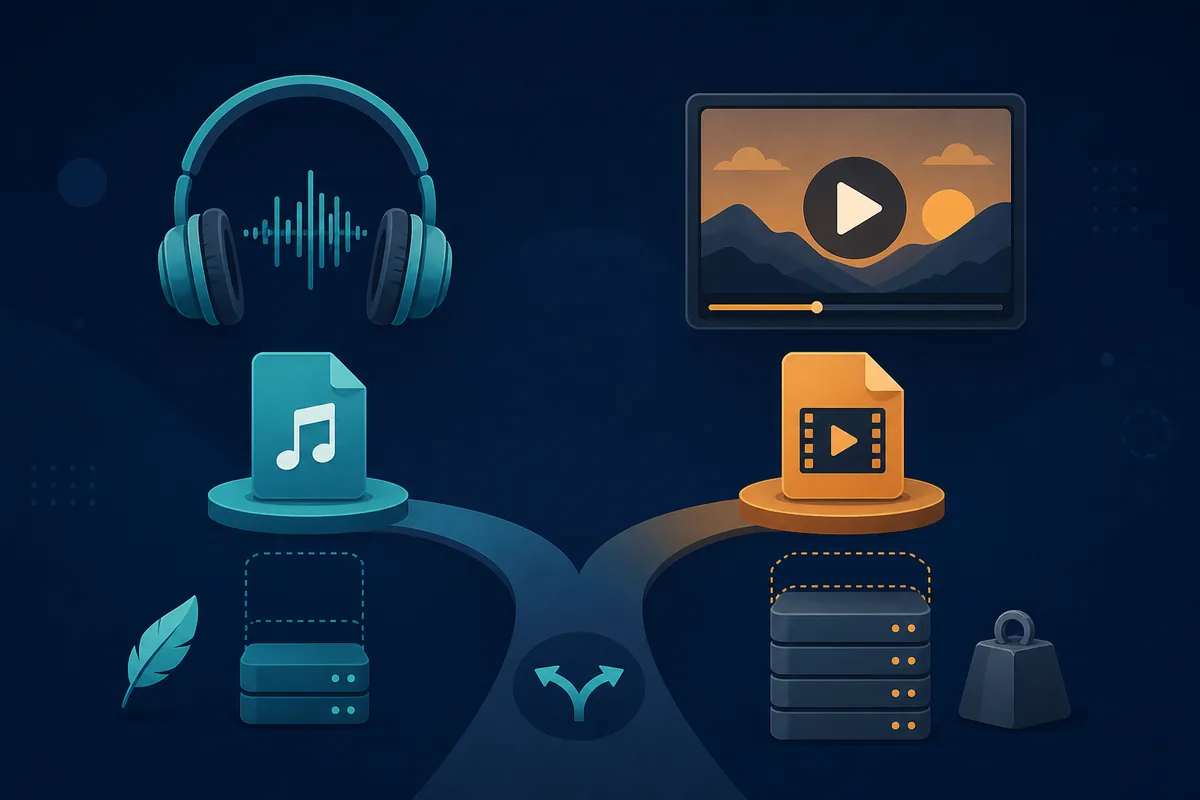
Use the table as a planning guide rather than a promise about the exact labels VidMate will show. Available formats and bitrate choices depend on the source and the current app build.
| Choice | Best for | Trade-off | Practical action |
|---|---|---|---|
| Audio only | Songs and podcasts | No video reference | Use when listening is the only goal |
| Medium quality | Everyday phone listening | Less detail than the highest setting | Good default for limited storage |
| High quality | Headphones and local archives | Larger files and more storage use | Reserve for sources worth keeping |
| Video instead of audio | You need the visual track | Much larger file size | Use the video guide when video is the intent |
Where the saved song goes and what to check
After the download completes, open the file from VidMate or your Android file manager instead of assuming that a successful notification means the file is usable. Check the extension, duration, title, and playback. If a track is silent, incomplete, or named incorrectly, delete it and repeat the workflow from the source rather than downloading an unknown repair tool.
Keep downloads in a folder you can back up and review. A clear folder structure also makes it easier to remove files when a license expires or when you no longer have permission to keep a copy.
- Confirm that the file name and cover or source title match the intended song.
- Play the beginning, middle, and end to catch truncated downloads.
- Check free storage before starting a batch of high-quality files.
- Keep Play Protect enabled and cancel installs that request unrelated permissions.
- Remove files you are not allowed to keep under the source license or local law.
- Do not replace a failed download with a MOD APK or a repacked converter.
Which VidMate music searches belong on this page
The page targets the shared audio-download intent, not every query that contains the word music. VidMate music download is the primary phrase. VidMate MP3 download and VidMate song download support the same task and can be answered here. A query about downloading video, installing the APK, or using an exact old version should move to a more specific guide.
This boundary helps visitors reach the right instructions and prevents this page from competing with the existing YouTube video, APK download, and old-version pages. Similarweb returned no rows for the three music seeds in the current account, so these related phrases are treated as a cautious test rather than proof of large demand.
| Candidate search | Intent | Page decision |
|---|---|---|
| vidmate music download | Save music or audio | Primary topic for this new page |
| vidmate mp3 download | Save audio as MP3 | Supporting phrase and FAQ |
| vidmate song download | Download a specific song | Supporting phrase; keep source and rights caveat |
| vidmate video download | Save the visual track | Internal link to the video download guide |
| vidmate latest apk | Install the current app | Keep on the main APK page, not this page |
Official and safety references
Use first-party terms and Android safety guidance when deciding whether a file may be saved or installed.
Related VidMate guides
VidMate music download FAQ
Start with the source and the permission
A reliable VidMate music download workflow is mostly about choosing a permitted source, selecting a sensible audio quality, and checking the finished file. If you still need the app, verify the current VidMate APK page and source details before installing.
Check the current VidMate APK page